
Add a range to the timer
If you would prefer to offer a range of dates for a delivery to better set customer expectations and reduce customer service, you can enable this in Delivery Timer.
Enable Range
Simply go to the Default Timer, then select the Delivery Date tab.
Next, check the "Add Range" box and set a number of days range you wish to add.
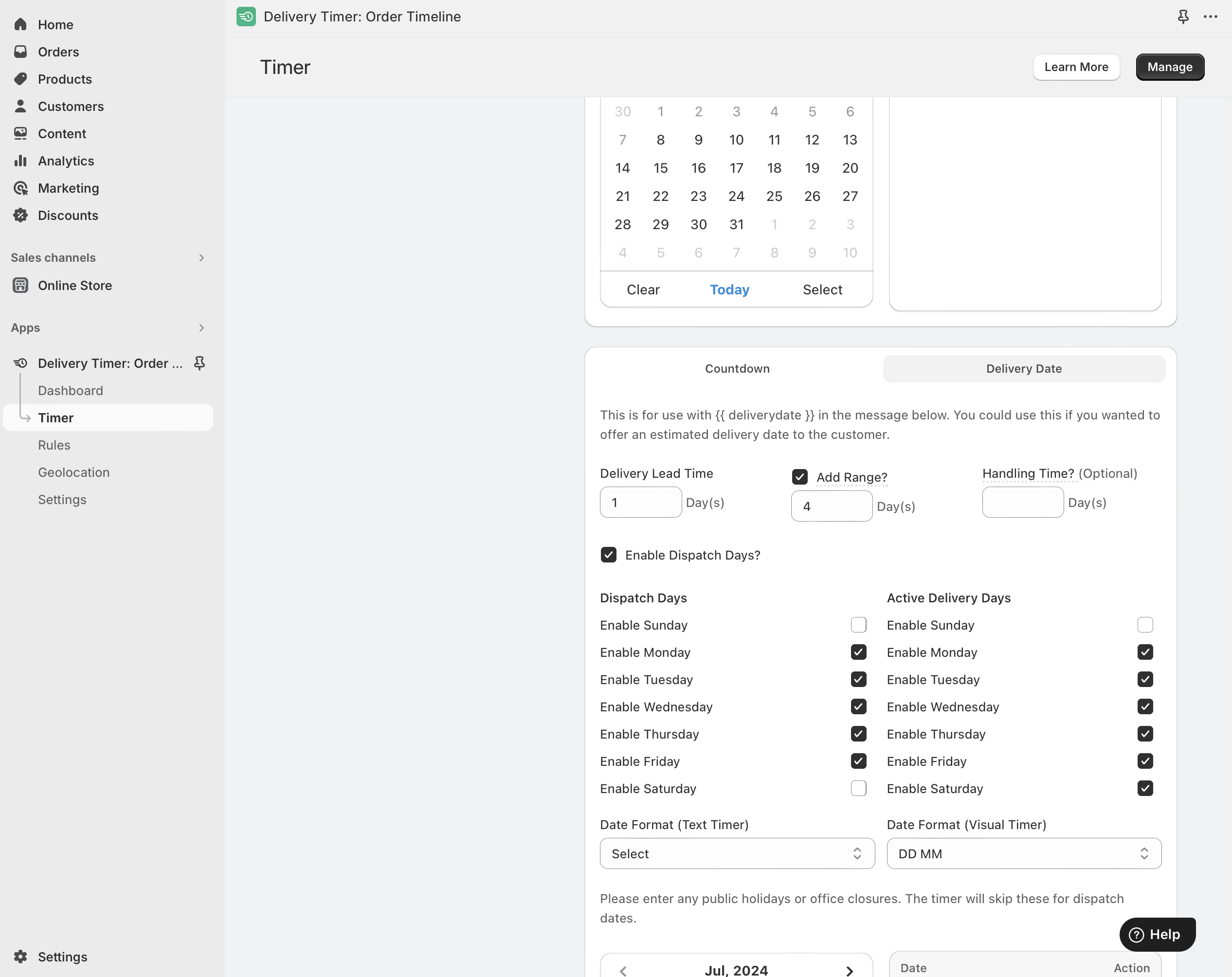
If you put a 1 in the box, it will create a range of 1 day from the lead date. E.g 10th -11th July.
If you put a 4 in the box, it will create a range of 4 days from the lead date, e.g 10th - 15th July.
The range will take into account unchecked delivery days.
If you have any Rules created, you will need to edit them individually if you wish to add a range to those as well.