How to export Quiz results
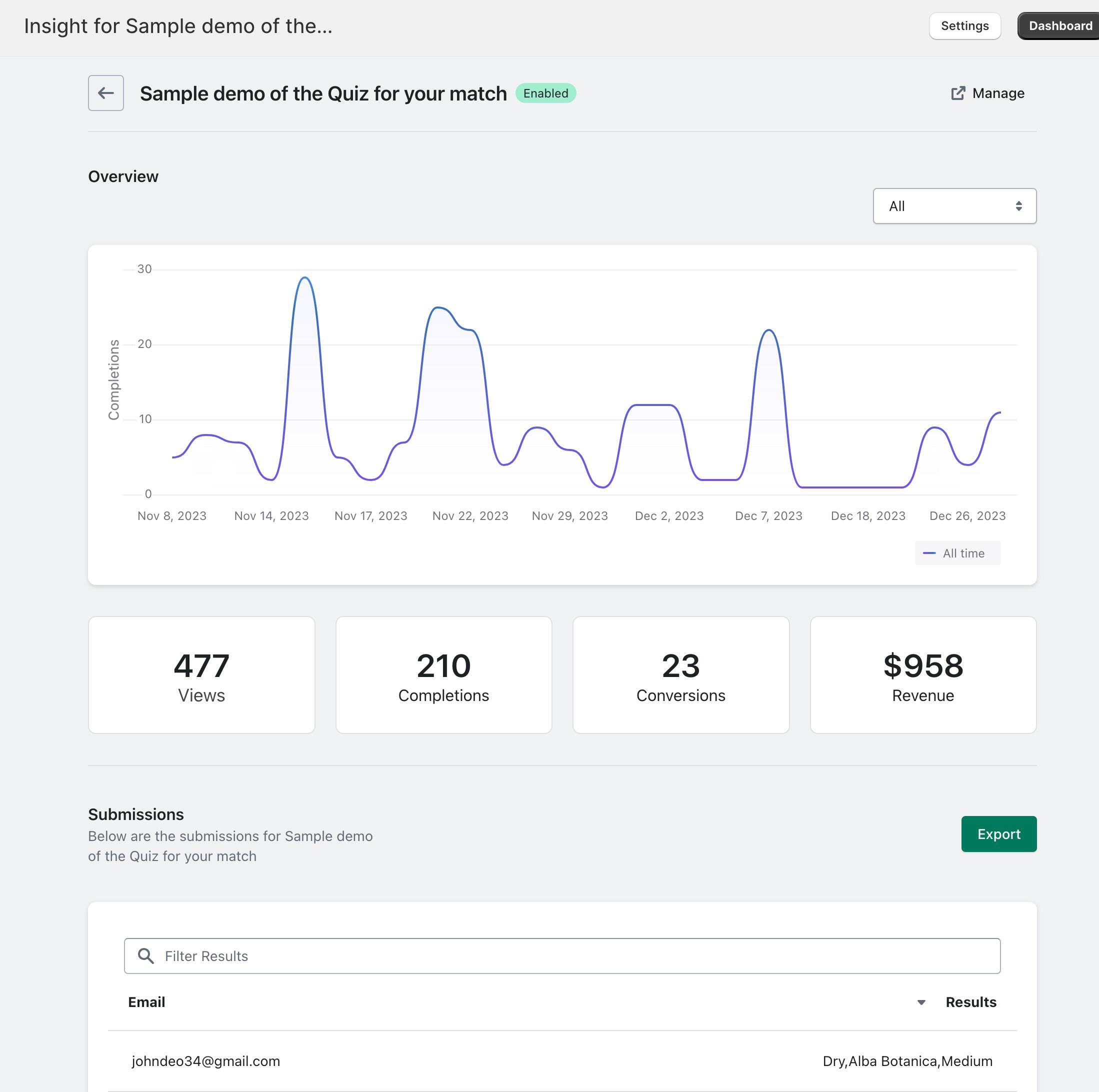
As your Quiz gains completions, the data is collected and displayed under insights.
You can export this data to view and analyse the results. You can also enrich your customer data or CRM with these as an example.
Export results
To export results for a particular quiz, go to “Insights” under Quizive. Next, select the specific Quiz. You can then scroll down and click the “Export” button.