How to display a promotion or offer in Kartify
To display a promotion or offer, you just need to make use of either the “Display a Banner” section or “Display a Custom Message”.
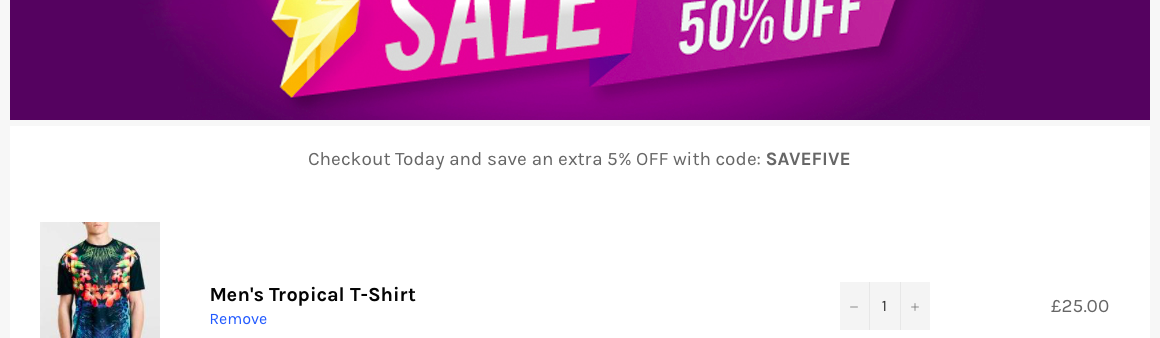
Let’s display a message to incentivise customers to checkout so we can get more sales.
Simply setup a code under discounts for the type of promotion you want to offer. We find offering 5% off works best.

Once under discounts, click “Create Discount” top right and setup your code. Take note of the code, e.g SAVEFIVE
Next, under Kartify’s App Settings, enable “Display a Custom Message” and check the box for message. Type a message like the one below along with your code.

Once done, click “save settings”.
Your message will now appear on the cart page!